Open SourceOffline support

No ways?Jalan je

Driving navigation that works without internet.

Made for Malaysia and Singapore.

Coming soon

Get it on Google PlayDownload on the App Store

Open source

Star us onGitHub
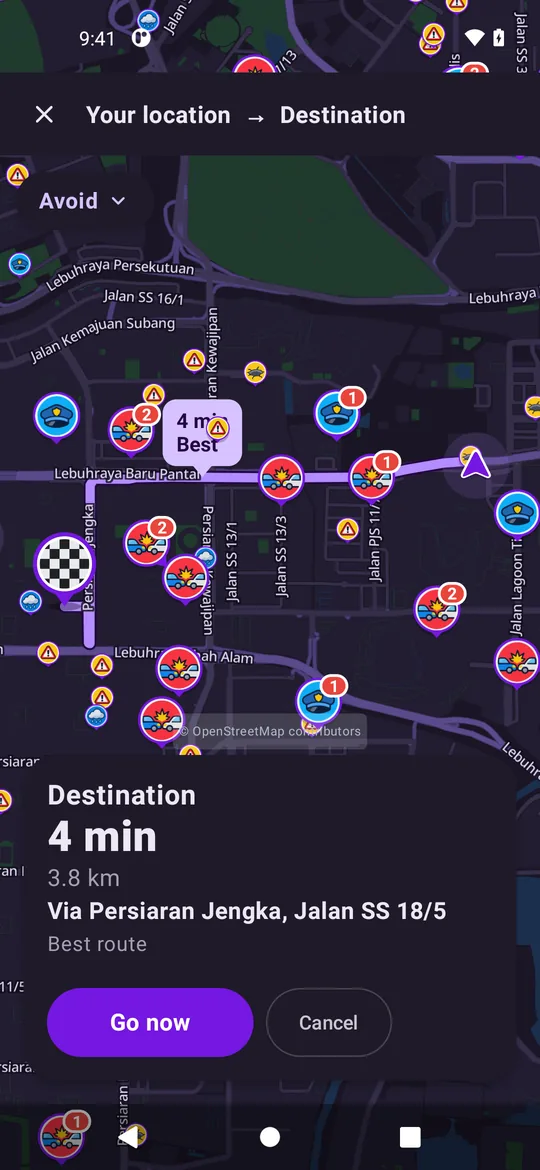
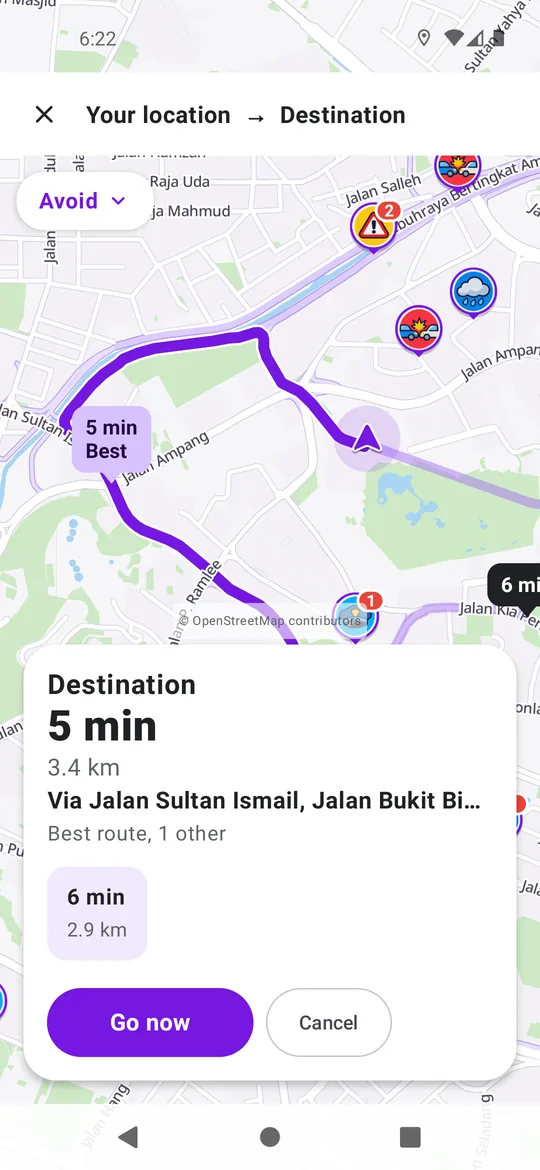
Route from KLCC with a 5 minute best route and a Go now button
  • Works offlineMaps and search on your phone
  • Android AutoOn your car's screen
  • No account neededThere is no sign-in
  • Open sourceGNU AGPL v3

No internet? Keep navigating.

Turn-by-turn directions work offline.

The maps and search are on your phone.

  • Singapore, the Klang Valley and Putrajaya are included.
  • Download other areas in the app.
  • Offline, your phone plans the route.
Route overview at night with the trip time, distance and a Go now button

Hear your next turn.

Spoken directions call out each turn.

Keep your eyes on the road.
  • English or Malay.
  • Full, brief or alerts-only prompts.
  • A speed warning when you pass the limit.
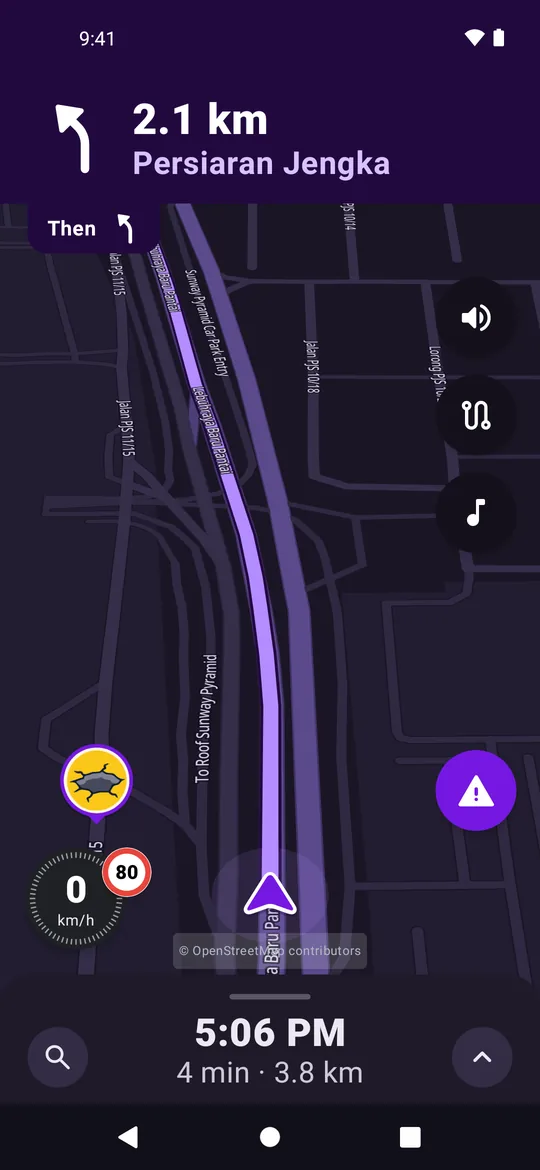
Driving screen showing the next turn in 2.1 km onto Persiaran Jengka

See it. Share it.

Report traffic, police, crashes and hazards.

Drivers nearby see them on the map.

Reports need a connection.
  • Closures, blocked lanes and bad weather too.
  • Drivers vote Still there or Not there.
  • A confirmed closure changes your route.
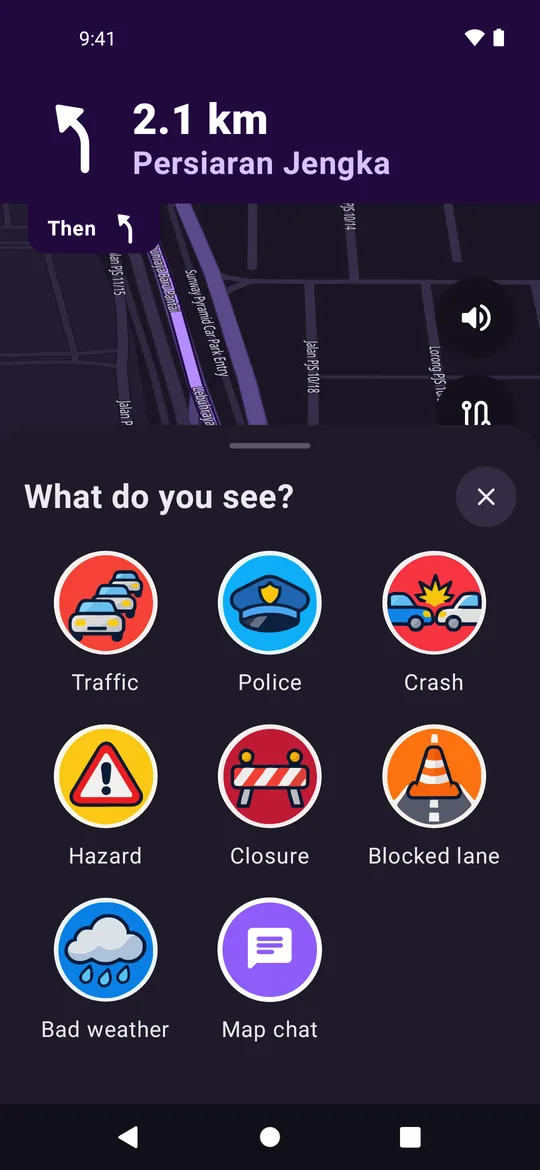
Report menu with traffic, police, crash, hazard, closure and blocked lane

Your journey. Your business.

Privacy mode sends no reports or travel speeds.

Navigation keeps working on your phone.
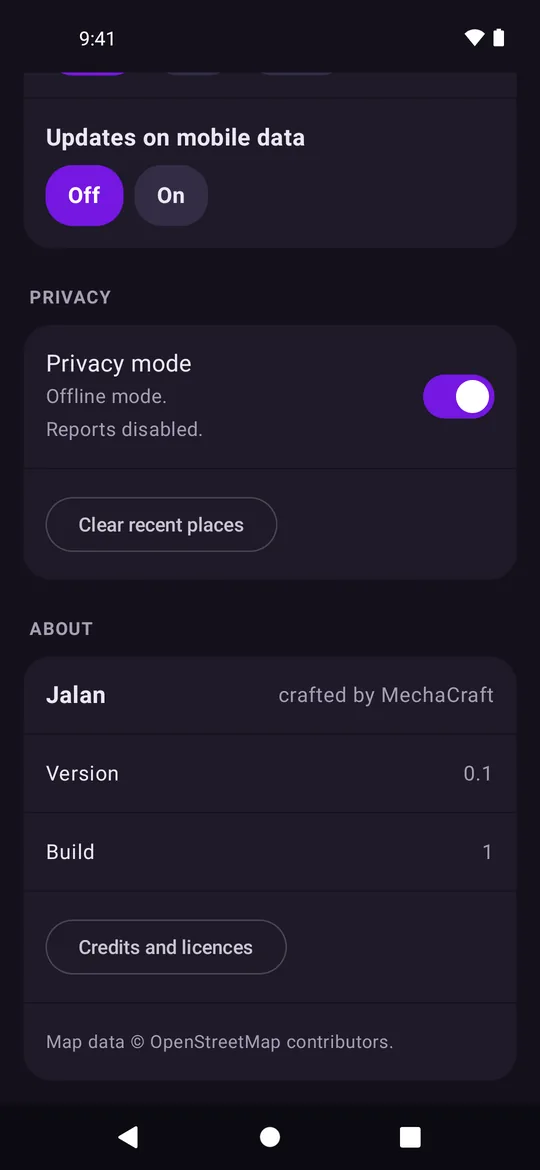
  • No account and no sign-in.
  • Clear recent places in Settings.
Settings with Privacy mode switched on

Also in the app.

See slow roads ahead.

Slow roads show in colour.

Traffic needs a connection.

Compare routes.

See which route is faster or slower.

Tolls and ferries are marked.

Avoid what you want.

Skip toll roads, ferries or freeways.

Stop on the way.

Add parking, petrol or food.

Car or motorcycle.

Choose your vehicle type in Settings.

Day and night.

Day, night or automatic colours.

With or without internet.

Without internet
  • The map
  • Search
  • Routes, planned on your phone
  • Turn-by-turn and spoken directions
With internet, also
  • Live traffic
  • Road reports and votes
  • Map chat
  • Map updates
  • Routes that use live traffic and closures

On your car's screen.

Search for a place, press Go and follow each turn on the dashboard.

Your phone stays in your pocket.
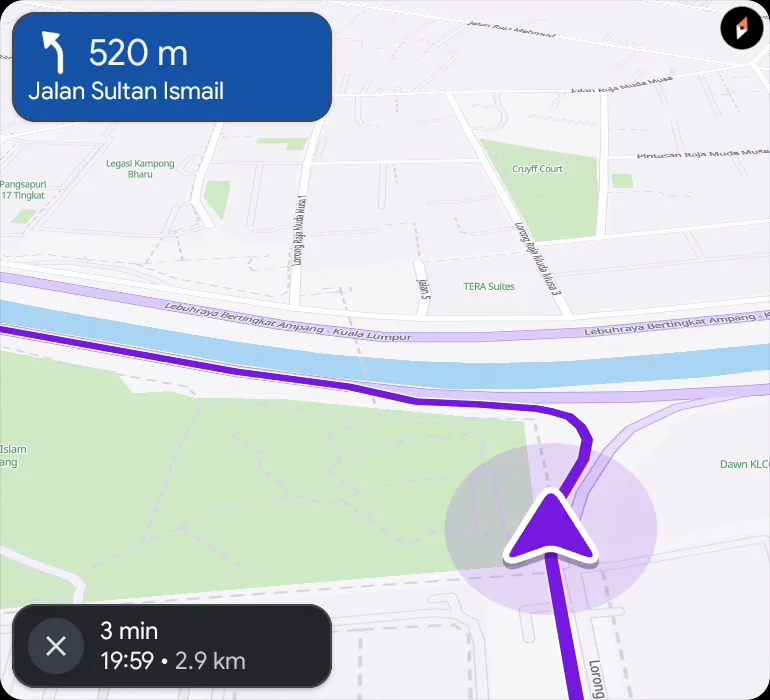
Android Auto
Car screen showing a left turn in 520 m onto Jalan Sultan Ismail, arriving at 19:59
Apple CarPlayComing soon

Open maps. Open source.

The maps come from OpenStreetMap.

Source code is available public under GNU AGPL v3 license.
View on GitHub

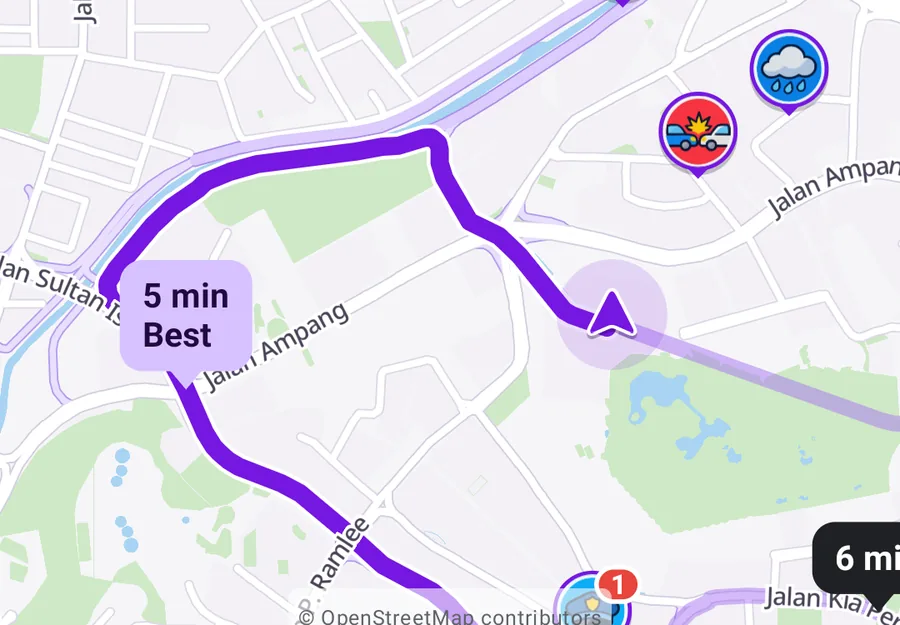
Map of a route around KLCC and Bukit Bintang with road reports
Map data © OpenStreetMap contributors

Questions.

Yes.

Directions, the map and search work from the maps on your phone.

Live traffic, reports and map chat need a connection.

Singapore, the Klang Valley and Putrajaya come with the app.

Download other areas in the app.

No.

Jalan has no accounts and no sign-in.

Road reports, chats, travel speeds, drive summaries and map update requests.

Privacy mode turns those off.

Read the privacy policy

Yes, with Android Auto.

Apple CarPlay is coming soon.

Not yet.

It is coming soon.

Jalan je.

Coming soon

Get it on Google PlayDownload on the App Store